


Three of our partners asked us some version of the same question last week.
One had a shared accounting mailbox that several people log into. The client wanted security awareness training turned off for that mailbox. Every person who uses it is trained on their own account. Does that still count?
Another was rolling out web filtering to their clients and wanted to know if what each client chose to block would affect their financial protection eligibility.
The third had a real incident. A user at a county government client downloaded a trojanized app. The EDR caught it and isolated the machine the same night. The client had paused MFA enrollment while they migrated licensing, and the attack had nothing to do with a login. Does a non-compliant MFA control rule out a claim anyway?
Three different MSPs. Three valid questions. None of them had an obvious answer sitting in front of them.
What a slow answer costs you
When you can’t get a coverage answer quickly, you usually do one of three things.
You guess
You avoid the topic with the client
Or you assume the answer is no and never file.
Guessing means you might tell a client something that isn’t true. Avoiding it means the client never understands what they’re paying for.
Assuming no is the expensive one. When somebody assumed the answer was no, our answer was to submit it anyway. We can’t evaluate a claim that never comes in, and there’s no penalty for submitting one that turns into nothing.
Coverage questions are the normal part
None of those three examples are edge cases. Real client environments can be messy: Mailboxes get shared, controls get paused mid-migration, new tools roll out halfway through the year. Every one of those changes raises a fair question about what’s covered in the event of an unexpected security incident.
A few months ago we wrote about the insurance gap hiding in your client base, and said the under-covered part of your book is the most valuable conversation you’re not having. That conversation stalls fast when you can’t answer the follow-up questions with confidence. Clients ask “what if.” If your answer is “let me find out,” the moment passes.
What we built
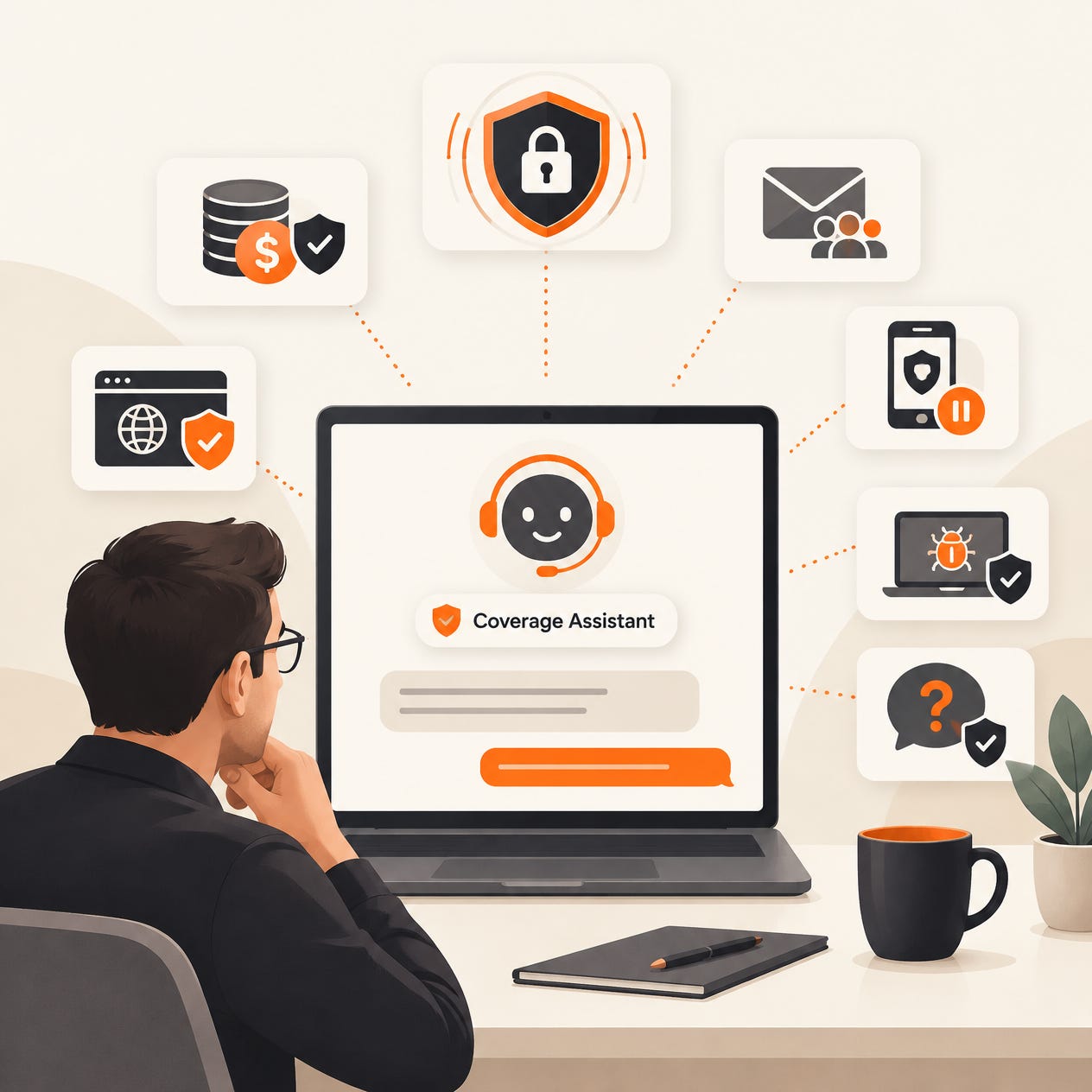
We just released the Coverage Assistant in Cork Vantage. To try it out, go to the Claims page and to the left of Submit a Claim there’s a new button: Ask a Coverage Question.
Pick the client, describe the situation in plain language, and you get an answer up front. It knows whether that client has active financial protection, and if they don’t, it tells you that first. You can apply financial protection right from the conversation.
If the answer doesn’t cover everything you need, click Talk to the claims team. That sends your question straight to us as a ticket, so you’re not retyping the whole situation into an email.
One thing so it isn’t a surprise later
The Coverage Assistant gives you a strong read before something happens. It isn’t a claim decision. Final determinations still come from the claims team’s review.
Use it to know where you stand and to have a clear conversation with the client. If something does happen, submit the claim. Here’s how that process works: Understanding the Cork Claims Process.
Where it fits in the client conversation
We’ve said before that financial protection works best as a standing part of what you offer, not an optional line at the bottom of the proposal. The hardest part of positioning it that way has always been the follow-up questions. What about this tool? What if we change that setting? What happens if someone wires money to a fake vendor?
Now you can answer those in the room. A client asks a pointed question during a review, you ask the Coverage Assistant, and you have an answer before you hang up. That’s the difference between a client who has financial protection and a client who understands it.
Ask before you need to
The best time to get a coverage answer is before the incident. Everything about the moment after one is worse: more stress, less time, and a client waiting on you.
Try it this week with a real question you’ve been sitting on. If the answer isn’t what you expected, or you want to talk it through, just click the button to talk to the team!